Sign in
  • Tariffs

  • Change theme
Free Trial for 14 days.
Start now, pick a plan later
No credit card required. No obligation. No risk
Team 3
69.90
Free
per month
  • 10 participants
  • 10 projects
  • 10 GB
Free Trial for 14 days.
Start now, pick a plan later.
No credit card required. No obligation. No risk
Team 3
69.90
Free
per month
  • 10 participants
  • 10 projects
  • 10 GB
AI
CRM
Services for business

All-in on work, together.

Projects, people, knowledge, and more. One platform where getting things done feels less like work

Get started
Products

Set up your workspace

From workflow tools to connections and beyond, there’s much more to explore

Gantt Charts

The Gantt chart clearly shows the project plan: tasks, deadlines, and performers. It allows you to monitor progress and make timely adjustments. An ideal tool for managing any project.

Boards

Interactive whiteboard for teamwork. Draw by hand, add shapes, cards, and notes. An ideal space for brainstorming, planning and visualizing ideas.

Kanban

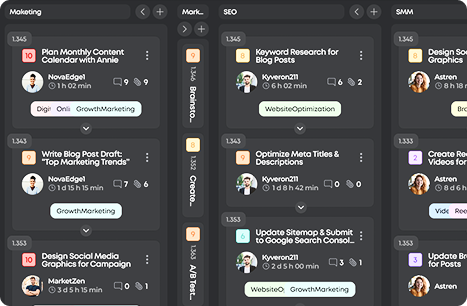
Visualize the workflow: drag and drop tasks by stages, track the status, and optimize the effectiveness of the team

To-do lists

All tasks are in front of your eyes. Add, cross out, plan the day. Minimum effort, maximum order

Calendar

Projects, tasks, and events in one overview. Plan deadlines, set reminders, and track progress on all cases

Sprints

Flexible planning without difficulties. Create a sprint in a minute and add tasks from any service on the platform. Easily change your priorities and track your progress in real time

CRM

Set up a CRM for your tasks from scratch or based on a ready-made structure. Manage contacts, sales funnels, and deals in a system that adapts to your team's processes

  • Plan with Precision Gantt Charts
    Schedule, adjust, and track relations to ensure that projects stay on time
  • Organize Work Boards
    Structure projects, monitor progress, and keep everything under control
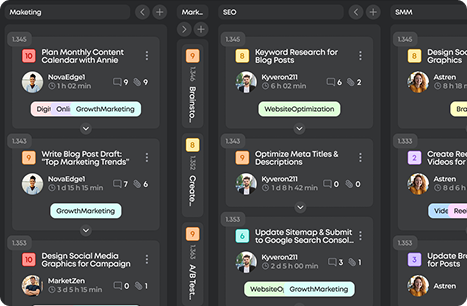
  • Visualize Workflows Kanban
    Flexible boards where tasks flow, priorities stand out, and progress stays visible
  • Capture Every Task To do lists
    From quick notes to major goals, every task lands in one place and gets done
  • Focus on Time Calendar
    Plan, schedule, and coordinate deadlines and meetings to keep everything in sync
  • Focus on tasks Sprints
    Keep the team focused on the main thing, allocating tasks within a limited time frame. Visual progress, automatic accounting of results, and clear planning. More concentration means faster speed
  • Effective online work CRM
    A single space for working with clients, conducting transactions and achieving results together
  • Plan with Precision

    Gantt Charts

    Schedule, adjust, and track relations to ensure that projects stay on time
    Learn more
  • Organize Work

    Boards

    Structure projects, monitor progress, and keep everything under control
    Learn more
  • Visualize Workflows

    Kanban

    Flexible boards where tasks flow, priorities stand out, and progress stays visible
    Learn more
  • Capture Every Task

    To-do lists

    From quick notes to major goals, every task lands in one place and gets done
    Learn more
  • Focus on Time

    Calendar

    Plan, schedule, and coordinate deadlines and meetings to keep everything in sync
    Learn more
  • Focus on tasks

    Sprints

    Flexible planning without difficulties. Create a sprint in a minute and add tasks from any service on the platform. Easily change your priorities and track your progress in real time
    Learn more
  • Effective online work

    CRM

    A single space for working with clients, conducting transactions and achieving results together
    Learn more

Unite projects, teams, and talents on platform built for successful work. All the gears of your projects, spinning in one place, together

Try now
  • Kanban
  • Boards
  • Gantt Charts
  • Sprints
  • Documents
  • Tables
  • Calendar
  • Reports
  • Wiki
  • CRM
  • AI
Benefits

Your command center for effective work

Workspace full of smart moves: turn small sparks into big projects

All-in-one project engine

Plan, track, and adjust projects without switching apps, ensuring smoother workflows
Register now
Efficiency

All your projects under one roof

From planning to hiring
Start for free
Chat, share files, and coordinate across teams. Keep all discussions, files, and updates in one place

Hire smart, work smooth

Plan tasks, meetings, and sales. Control the deadlines. Optimize processes and costs. Increase the productivity of the team.
Processes
Deadlines
Results
CRM

Skip the noise — ZIO helps freelancers and customers connect with ease. Focus on the work, while we handle the rest

Service сard
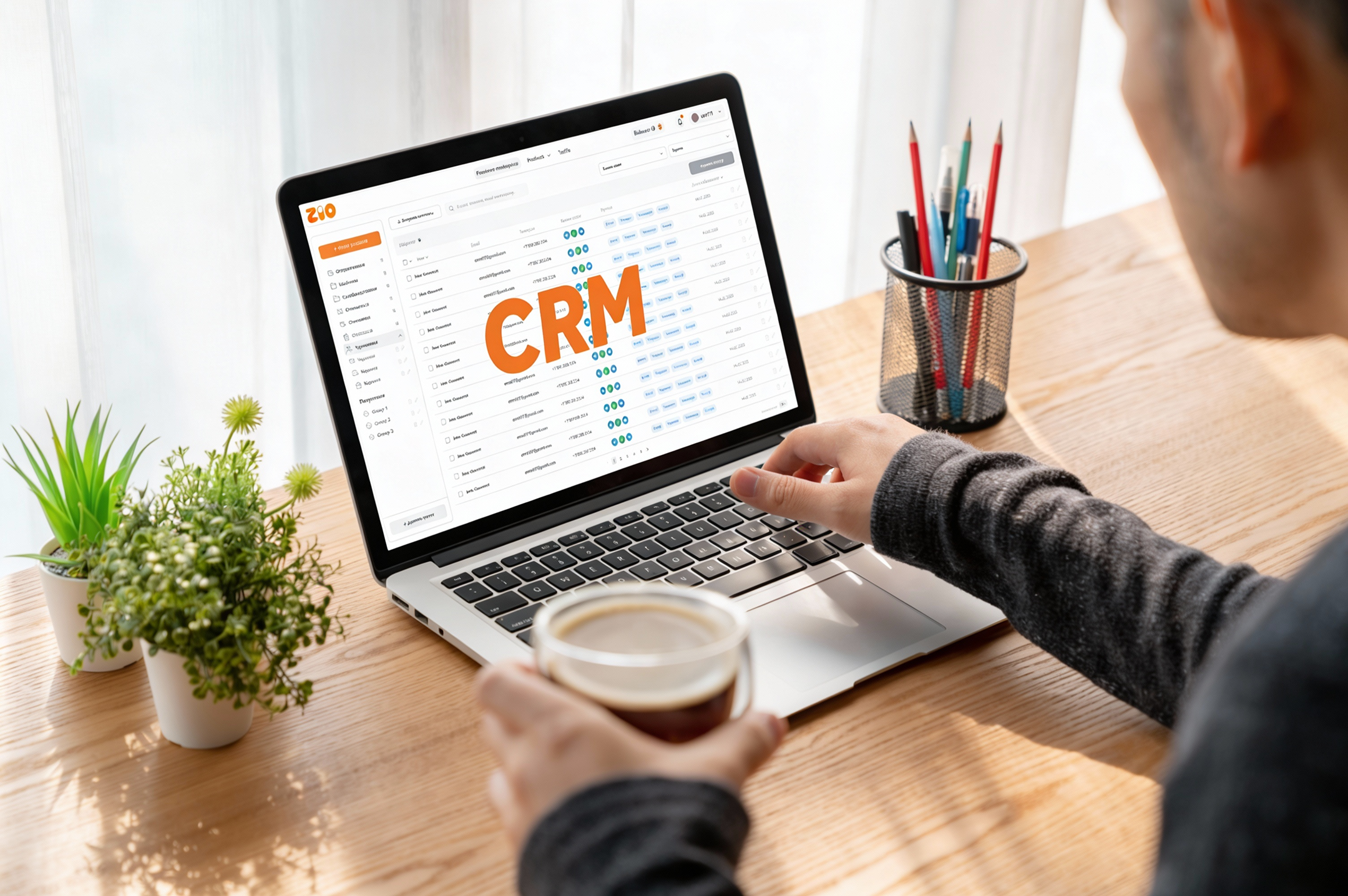
CRM is your tool for profit growth. All customer and transaction data is structured. You forget about the mess and see a clear picture for solutions. Automation changes the rules: Funnels guide the client, reminders keep track of deadlines, and reports show the dynamics. This increases the efficiency and productivity of the team. You spend your energy on development, not on search. Finding a deal to work on or data to analyze is just as easy: use flexible filters by amount, date, label, or funnel stage and make the right decisions
FAQ

Got questions?We’ve got you

Our mission is to make work effortless, and that includes guidance. For closer look at every detail, check out our full FAQ section
How is ZIO different from others?
ZIO is a single platform where all the tools for work are combined: CRM for sales and customer management, a system for tasks and projects, documents for collaboration and an integrated AI assistant. You no longer need to switch between different services
Who was ZIO created for?
ZIO is designed for teams and entrepreneurs. It is suitable for sales teams, project managers, and companies that need a convenient space to manage transactions, tasks, and communications
How much does ZIO cost?
ZIO offers 8 personalized pricing plans for different types of teams (from $ 4.6 to $ 10 per user) — choose your perfect fit. Learn more about it in tariffs
Can I use ZIO for free?
Sure! You don’t have to buy anything if you don’t need to work in ZIO workspace with team but if you do — try our free plan first then upgrade it anytime as your needs grow
How do I start using ZIO for business?
Just create an account and your personal CRM will be ready to work. Add your clients to the Contacts section, create your first deal, and invite your colleagues to start working on projects together
What payment options are available on ZIO?
ZIO offers secure online payments with multiple options. You can pay in USD or crypto, depending on your preferences, and all transactions are processed safely within the platform
Is it safe to manage projects and payments on ZIO?
Absolutely! ZIO uses industry-standard security measures to protect your data and transactions, so you can focus on your work without worry